 IslandsHR
Pay terms
Per person
- A salary or a day rate for each person
- Pay changes that start on a chosen date
- Allowances, deductions and loans set up once
IslandsHR is a complete HR platform on its own. If you also want payroll in the same system, add it to any HR plan. It works from the people records you already keep, works out PAYE and national insurance where it is available, and prepares payslips and bank files for your team to review.
We don’t switch a country on until its rules have been reviewed. Elsewhere, use IslandsHR for HR and keep your current payroll.
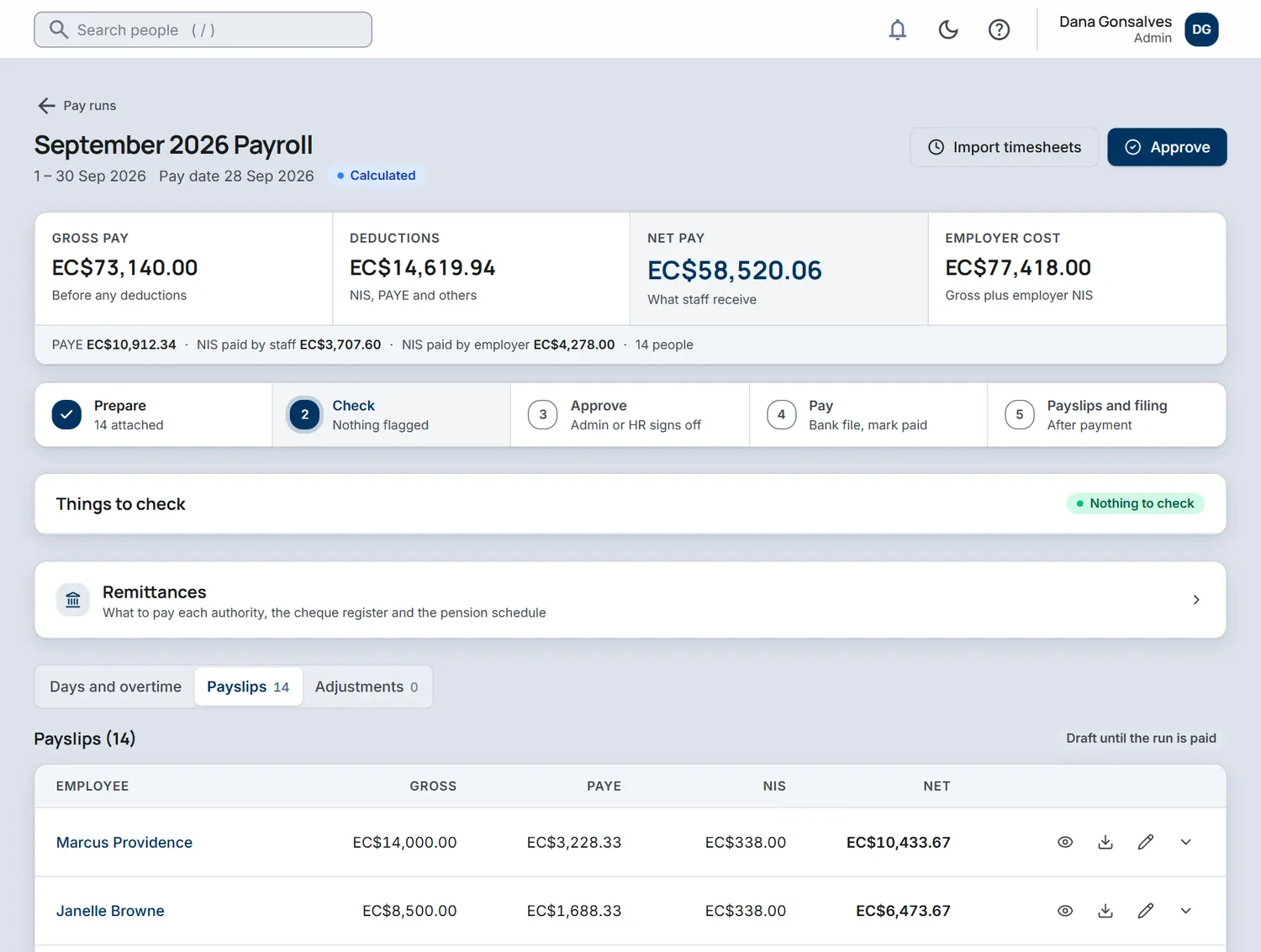
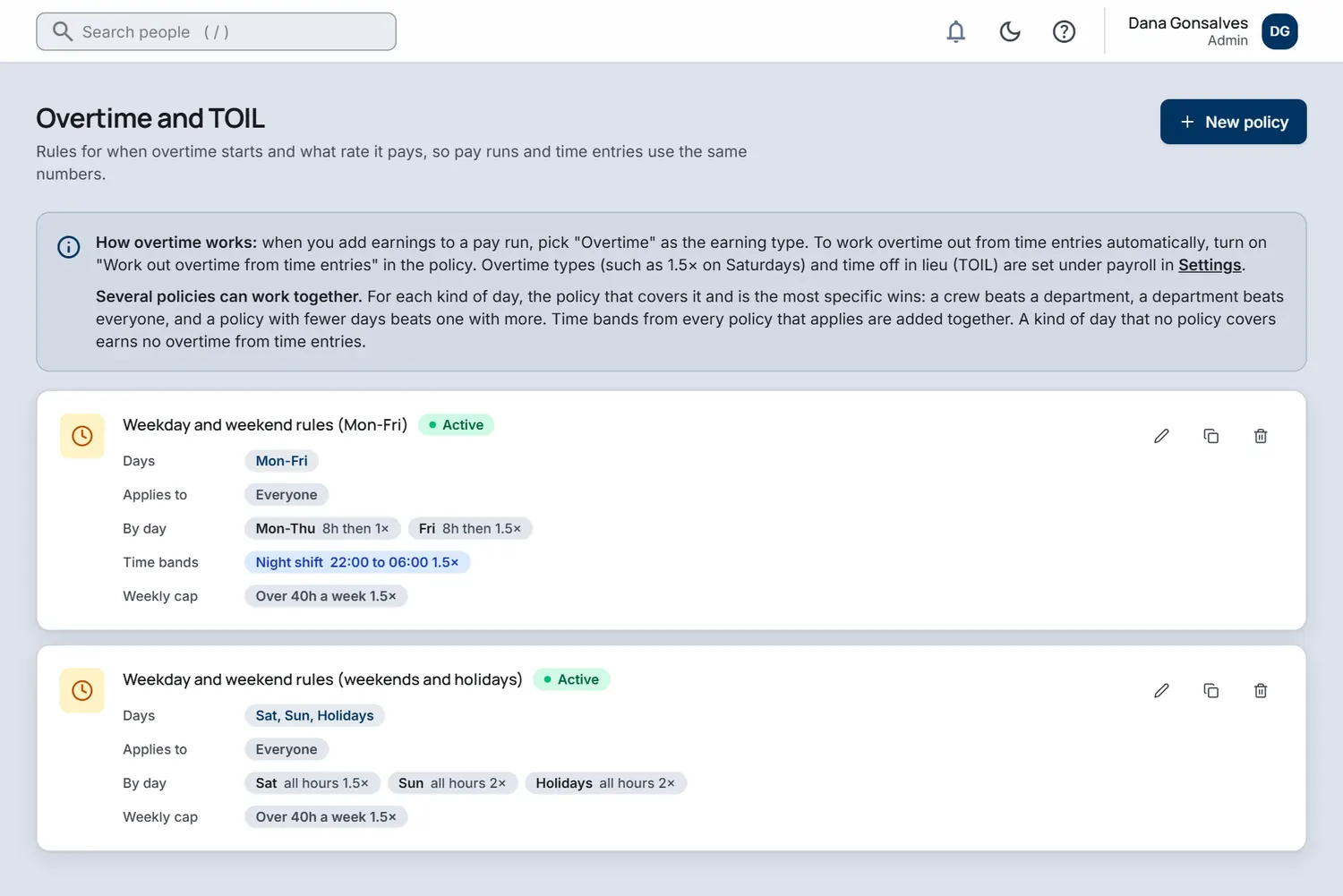
Pay terms live on each person’s record, next to their job, department and time entries.
For every employee in every run, available to staff in the portal once the run is paid.
A generic format plus layouts for several regional banks, ready to upload to your online banking.
What you owe each authority for the period, with employee and employer contributions shown separately.
Standard schedules and year-end exports for your records and your accountant.
A year-end certificate of pay and deductions for each employee.
A file you can import into your accounting system, with your own account mappings.
The add-on prepares the figures and files. Your team reviews them, uploads bank files and submits statutory returns. Nothing is paid or filed automatically.
Packages differ only by how many different people you pay in a month, and each person counts once. The add-on is added to an HR plan; it isn’t sold on its own.
| Package | People paid | Per month |
|---|---|---|
| Micro | Up to 10 | USD 49 |
| Small Business | Up to 25 | USD 99 |
| Business | Up to 50 | USD 179 |
| Growth | Up to 100 | USD 299 |
| Scale | Up to 150 | USD 399 |
| Custom | 151 or more | Quote |
No. The HR platform works on its own, in any country. The add-on is optional, for teams who want payroll in the same system where it is available.
Not yet. Both are in review and are not released. They open only after an accountant has signed off the rules. You can use IslandsHR for HR in the meantime.
No. The add-on produces the bank file and the statutory figures. Your team uploads the bank file and submits returns, as you do today.
By the number of different employees paid in a calendar month; someone paid in more than one run counts once. The count can include leavers receiving final pay or seasonal staff, so it can be higher than your current active HR headcount. The two counts are separate.